

The top 6 ways to use your brand photos on Instagram
When most people get their brand photos back, they update their profile image and let the rest sit in a folder on their computer collecting dust. I’m a professional brand photographer who does NOT want you to let your investment go to waste. That’s why I’m sharing the 6 steps you need to take immediately to strategically use your brand photos on Instagram.
First, let’s talk about the benefits of using your brand photos strategically:
- Boosts your visibility
- Builds brand recognition and trust
- Increases organic engagement
- Yields higher conversion
- Increased leads and sales
Now, let’s dive in to the 6 actions you can take right now to strategically use your brand photos on Instagram.
6 ways to use your brand photos on Instagram
1. Update your profile image

Immediately update your profile image on Instagram when you receive your branding photo gallery. This is a clear sign to your audience that your brand image is getting an upgrade, and they take notice.
Choose an image that shows your face (for solopreneurs or service based businesses) or products (for product based brands). The dimensions for an Instagram profile photo are a small circle (100×100 pixels for phones, and 180×180 for desktops), so ensure it’s a photo that can be seen clearly when cropped to that size.
See more guidelines on choosing your Instagram profile image from Tailwind
2. Update highlight covers
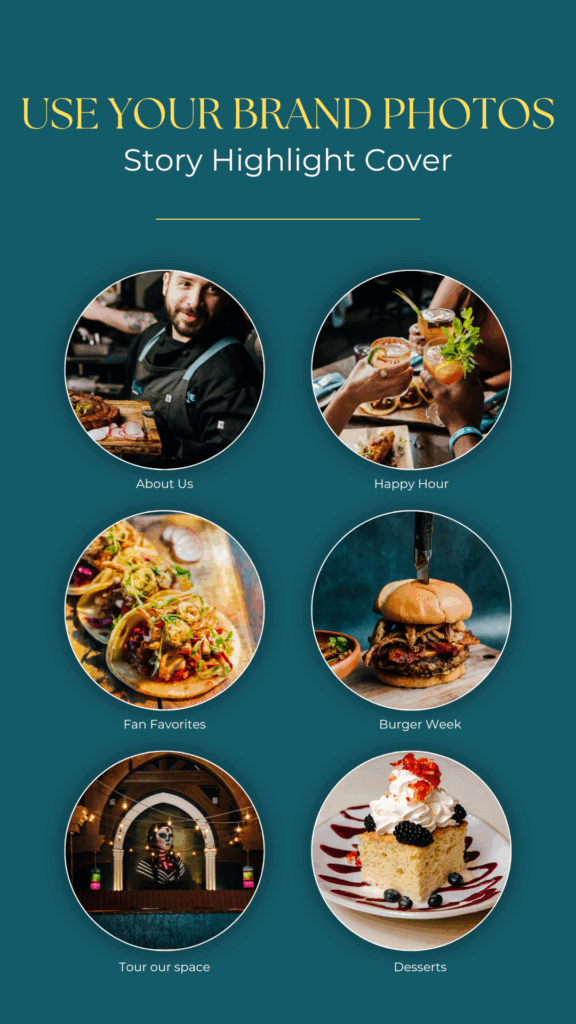
Are you using the highlights feature on Instagram? Highlights allow you to organize content into specific categories and choose story content for your audience to view, even after the story expires.
Here’s a quick video tutorial that easily shows you how to add Highlights on Instagram.
If you’re new to highlights, here are examples of categories you could use:
- Who we are/About us
- Services (broken down by category, like Birthday parties, weddings, baby showers)
- Products (example: Summer dresses, sandals, hats)
- Testimonials
- SALE
- How to use [product]
- FAQ
- Behind the scenes
- Freebies
3. Create pinned posts
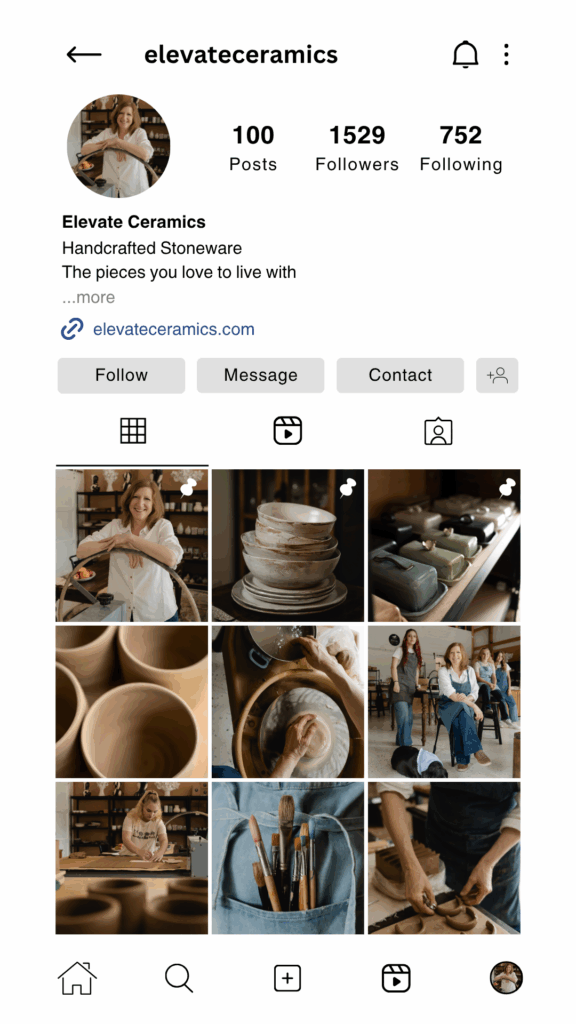
You can pin up to 3 posts to stay at the top of your Instagram feed. Choose wisely, and these three posts will attract new customers and let them know everything they need to hire you or buy from you.
If your audience ONLY looks at the top three posts, you want to showcase your best brand photos to convince them to stick around.
Pinned post 1- A friendly introduction
You can use this as a “first impression” or welcome post. This should be a photo of you and/or your team, so that people can make an instant connection with the face behind the account. I recommend making a carousel that shares fun facts about you, an overview of services or products you offer, and where you want them to go next.
Pinned post 2 – A current offer or special
Highlight your current featured products or services in your second pinned post for more visibility. Using text overlay on top of the photo so people can see what the special is WITHOUT having to click on it is highly effective. Be specific in the caption about the details of this offer, including expiration date (sale ends 8/31) and how they can purchase or book (DM me “SALE,” use coupon code SAVE20, visit the Services page of our website).
Pinned post 3 – Your top service or product
For your third pinned post, highlight your most popular service or product and why your customers love it in the caption. This would also be a great one to add to your Highlights section on Instagram!
Get even more ideas to strategically choose your Pinned posts from Plann
4. Build offer awareness in Stories
In a previous blog post, I shared examples of creative ways to sell using your brand photos in stories.
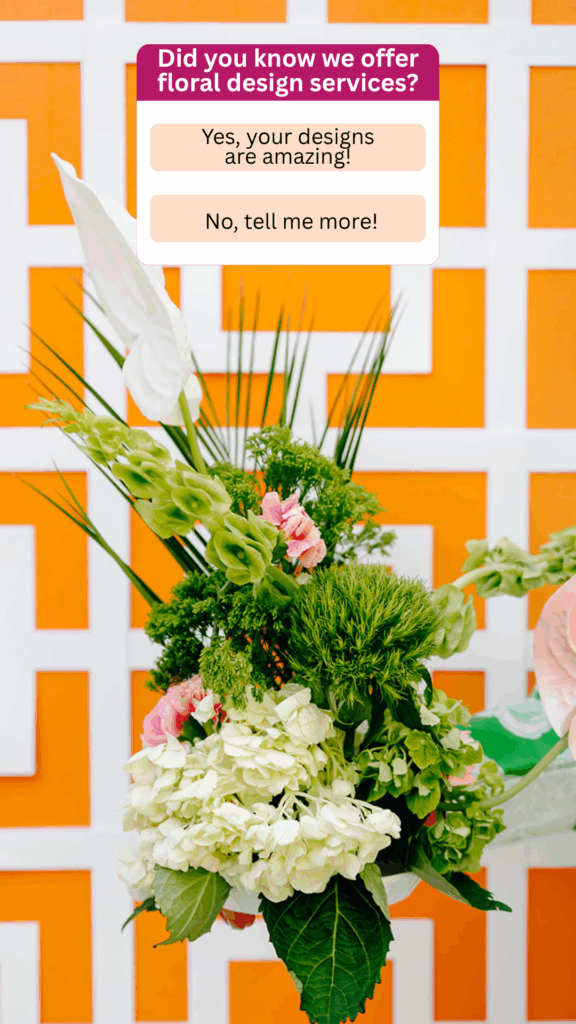
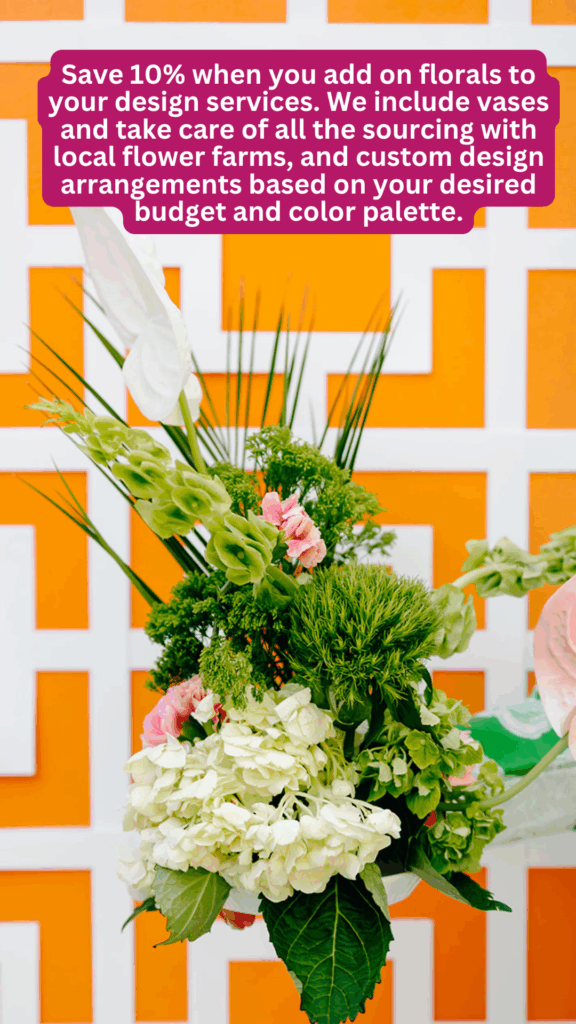
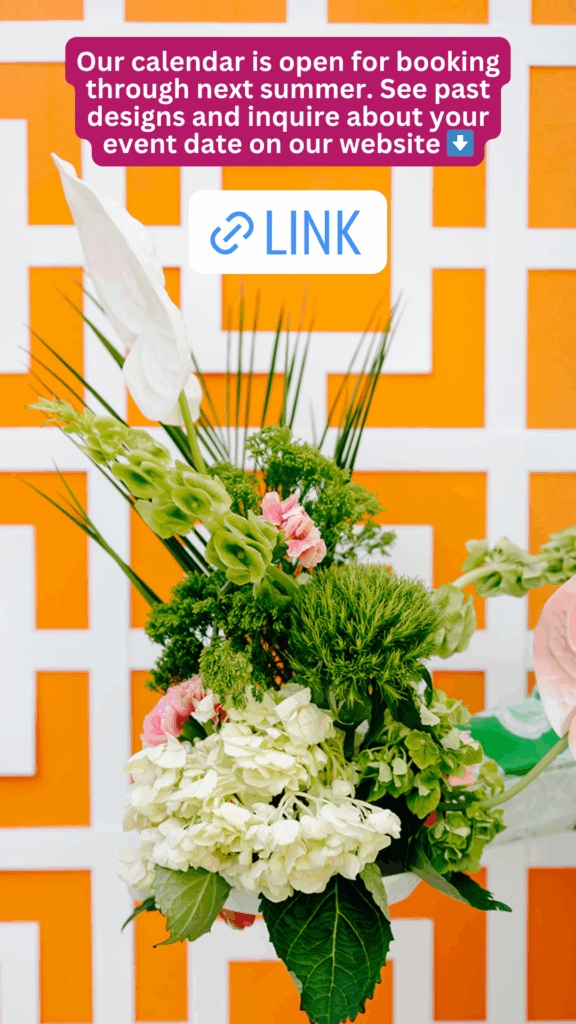
Copy this easy 3 story formula (illustrated above) for easy engagement and website clicks:
1 Ask a question with a poll
2 Share info related to the question
3 Link to your website with a call to action
Most of my brand photo galleries include photos with negative (empty) space that allow you to write text over stories to promote a current special, share upcoming availability or link to your website.
5. Elevate your Reel covers
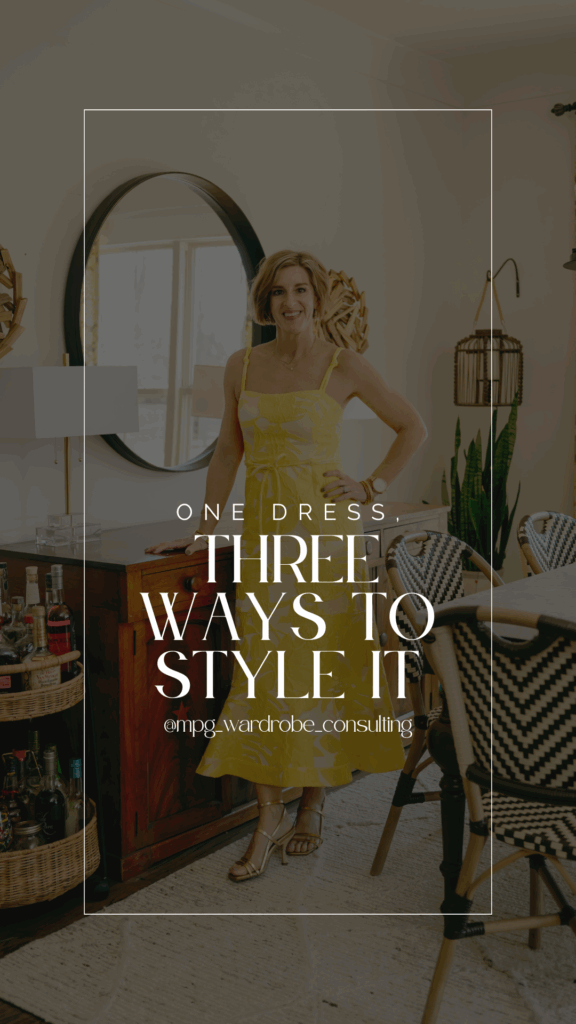
According to Statusphere, Reels are the best type of content for audience engagement on Instagram. While Reels themselves can be casual, for a cohesive feed it’s recommended to have a cover that looks attractive and gets people to click on it from the Explore page.
You can easily add a vertical brand photo as a Reel cover, and add text within Instagram itself. Alternatively, if you have a brand font, you can upload the photo to Canva and customize the text to match your brand style.
Bonus tip: Just like you can pin posts, you can also have up to 3 pinned Reels on your profile! I suggest using your most popular Reels with the most views as your pinned content.
See more recommendations for Reels covers from Later.
6. Leverage sponsored posts

For brands who want to highlight a specific offer, leveraging sponsored posts with brand photos are a great way to expand your reach.
To get the best results, strategically choose an image (or series of images) that will immediately capture your audience’s attention. Overlay text that makes them stop their scroll, and ensure your caption explains your offer and what you want them to do next.
You can read more info for how to start creating effective sponsored posts and ads on Instagram from Sprout Social.
Now that you know how to use your brand photos strategically on Instagram, it’s time to revisit your brand gallery and choose the photos you’ll use!
Did you find this post helpful? You may also love…
7 Ways to Sell Using your Brand Photos, where I use examples from past branding clients to show you exactly how to increase your revenue! If you use email marketing newsletters, Instagram stories, direct mail campaigns, sponsored ads, website opt-ins, or carousel posts – this blog post is a treasure trove of ideas for you to get the most out of your brand photos to attract new clients.

Book your brand session
Johanna Hribal is a Louisville, Kentucky based-brand photographer who is passionate about helping shine the spotlight on local businesses with scroll-stopping images. While she photographs a variety of product and service based businesses, her specialty is in food and beverage photography.
Visit her website to explore her portfolio and inquire to book a content refresh or quarterly branding sessions to create consistent, high-quality content for your business.
Follow her on Instagram to see recent work and connect with Johanna.


